

    Skip to main content

    Creative & Pages

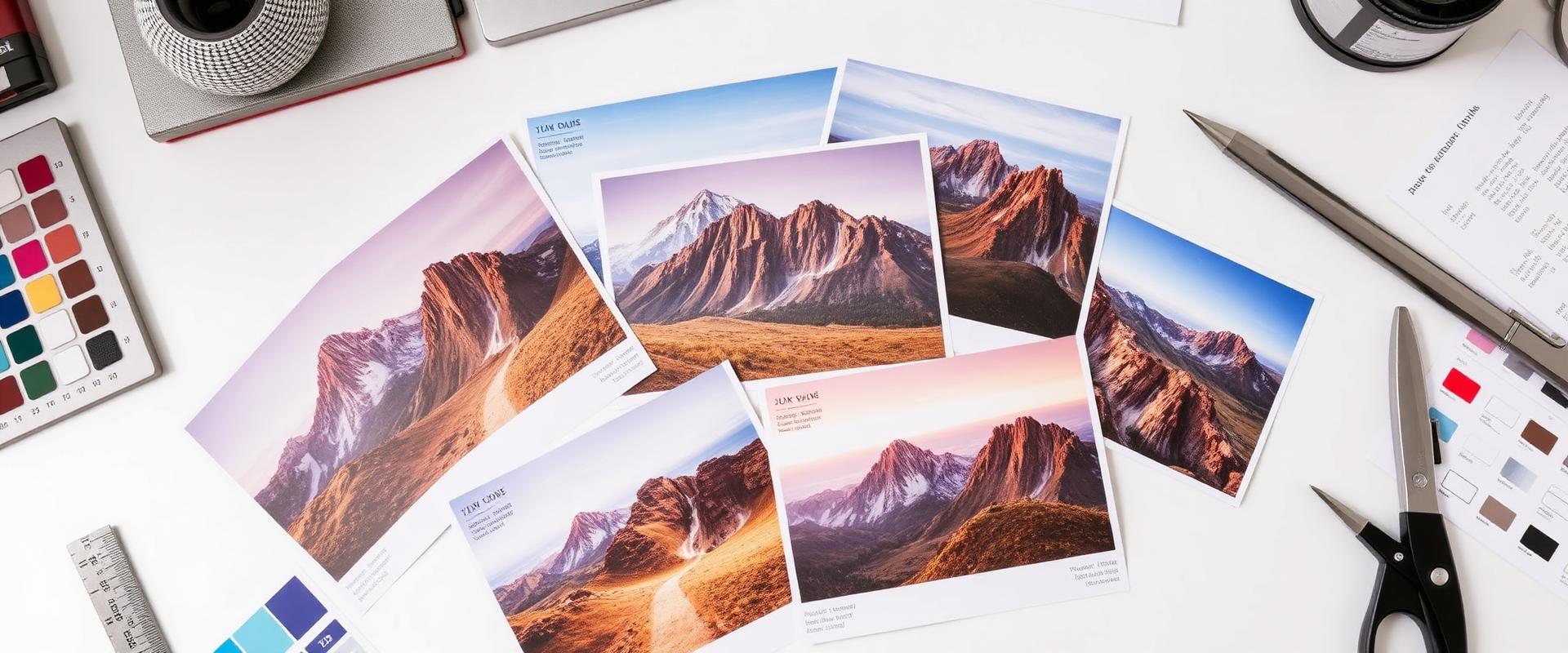
    Tell the AI what you want. It makes postcards, ads, social posts and web pages in your colors. You can change anything, then pick where to use it.

    IdentiReach / Creative & Pages

    What you can do

    AI Studio & campaign assets

    Tell the AI what you want and it makes the design, using your logo and colors. You check it and say yes before it is used.

    • Postcard and ad creative
    • Templates, brand kits and uploads
    • Optional matching landing pages
    • Editable drafts and explicit publication

    AI Postcard Studio

    Tell the AI about your business and it designs a postcard. Look at the front and back. Say yes before you order.

    • Brand-aware creative
    • Industry templates and reference images
    • Artwork review and revisions
    • 5 monthly design batches; extra batches cost 5 credits

    Social Media planning & posting

    AI writes a week of posts with pictures in your colors. You pick where each post goes, Facebook or Instagram. Then you say yes, pick a time, or post now. Comes with Starter and up.

    • Weekly AI drafts you approve
    • Images in your brand colors and logo
    • Scheduling to connected Facebook and Instagram
    • Promote this post as an ad on Pro and higher

    Landing pages & forms

    Make a web page people visit from your postcard or ad, with a form they can fill out. Check the words and links before it goes live.

    • Page assets in AI Studio
    • Lead forms and CTA destinations
    • Visits, clicks and submissions measured separately
    • Explicit publication, not automatic launch

    Templates, uploads & brand kits

    Start from a ready-made design or upload your own. Keep your logo, colors and pictures in one place to use again.

    • Standalone creative and campaign assets
    • Brand kits and supported artwork uploads
    • Selected reference material
    • Review facts, dimensions and links

    How it works, step by step

    1. 01

      Say what you want and add your logo

    2. 02

      Let AI make it, or pick a ready-made design

    3. 03

      Check the words, pictures and links

    4. 04

      Post it or add it to a campaign

    What it costs

    Every plan gets 5 sets of designs each month. More sets cost 5 credits each. Making a draft does not order mail or post anything.

    See plans and prices

    Next: send your design out

    Try the next tool when you are ready. Making a draft never buys, sends or posts anything.

    See the next tool